
.png?width=2000&name=Marketing%20Hub%20(1).png)
Your Salesforce to HubSpot Migration, Planned and Executed in Phases
This isn't a quick export. We break down the migration in clear phases
Step 1: Discovery & Scoping
Step 2: Mapping & Architecture Design
Step 3: Build Sandbox & Pilot Migration
Step 4: Production Migration Execution
Step 5: Post-Migration Validation & UAT
Step 6: Training, Support & Transition
Step 1: Discovery & Scoping
Define lead stages, segment lists, and plan campaigns
- Conduct stakeholder interviews and align project teams
- Audit current CRM instance and document key findings
- Identify critical objects, fields, automations, reports, and integrations
- Define migration goals and assess constraints such as compliance, timelines, and downtime tolerance
- Review HubSpot license readiness and setup requirements
- Determine data to migrate versus data to sunset
- Finalize success criteria and confirm project scope
Step 2: Mapping & Architecture Design
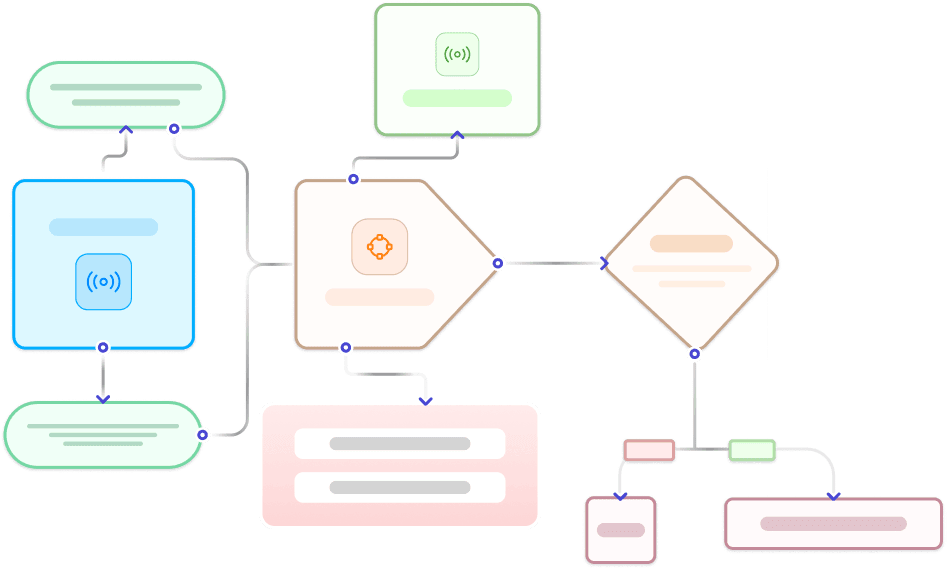
Blueprint how Salesforce data, processes, and structure will map into HubSpot
- Map data model including objects, fields, and associations
- Plan custom objects and properties in HubSpot
- Redesign lead lifecycle and pipeline structure if required
- Re-architect workflows, automation, validation, and scoring
- Map user roles and permissions
- Identify integration touchpoints including API dependencies and middleware
.webp?width=327&height=250&name=Solving%20Data%20intake%20(from%20all%20demand%20sources).webp)
Step 3: Build Sandbox & Pilot Migration
Perform test migration in HubSpot sandbox or staging portal
- Set up HubSpot sandbox or staging environment
- Configure required custom properties and objects
- Migrate a sample dataset (10–15% of production data)
- Validate data integrity, associations, and field mapping
- Test automations, pipelines, reports, views, and permissions
- Gather user feedback and refine before full migration

Step 4: Production Migration Execution
Execute the full data migration with minimal impact on live users
- Extract all Salesforce data including objects, attachments, notes, and activities
- Import data to HubSpot via API with maintained object associations
- Migrate custom objects, files, emails, calls, and notes
- Rebuild key automations, lists, reports, and views in HubSpot
- Track migration progress in real time with QA checkpoints

Step 5: Post-Migration Validation & UAT
Verify all migrated data and confirm smooth team transition
- Validate migrated data using scripts and structured review
- Spot-check critical records, pipelines, and reports
- Facilitate user acceptance testing with representative teams
- Perform final data hygiene including deduplication and formatting
- Address and resolve any post-migration issues identified

Step 6: Training, Support & Transition
Facilitate HubSpot onboarding and planned Salesforce transition
- Deliver persona-based user training sessions for Sales, Marketing, and Admins
- Provide access to knowledge base articles and playbooks
- Document the final data model, workflows, and system configurations
- Offer transition support through office hours and ticketing channels
- Decommission Salesforce and remove redundant systems

What Gets Migrated?
It’s not just about moving data; we orchestrate migration of your entire Salesforce ecosystem. From records and activities to associations, assets, and custom properties, we ensure every critical component is mapped, validated, and optimized for HubSpot.


Here's a quick case study :)

As a solo marketer, I needed a team that could not only set up the technical side of things but also help me think strategically—OneMetric delivered on all fronts. They completely revamped our HubSpot CRM and marketing automation, making it possible for me to work more efficiently and focus on the bigger picture. Their guidance in shifting towards an ABM strategy has been invaluable, allowing us to tailor our marketing more effectively. From creating a sleek newsletter design to building out insightful reporting, they’re always thinking ahead. If you’re looking for a dedicated, hardworking team to level up your marketing efforts, OneMetric is your go-to!
Julie Taylor
Head of Marketing


Relatable? We should definitely talk.
All that we’ll cover when we speak:
- Opportunities to increase the ROI of your HubSpot investment
- Your current GTM motions and future roadmap
- Challenges that you face with your overall revenue stack
- Missed revenue opportunities due to gaps in your funnel
- What would "wins" look like for you?


.webp?width=210&height=116&name=Frame%201321318036%20(1).webp)
.webp?width=272&height=116&name=Frame%201321318036%20(2).webp)
.webp?width=205&height=116&name=Frame%201321318036%20(3).webp)
.webp?width=197&height=116&name=Frame%201321318036%20(4).webp)

.webp?width=197&height=116&name=Frame%201321318036%20(5).webp)
.webp?width=197&height=116&name=Frame%201321318037%20(1).webp)
.webp?width=309&height=116&name=Frame%201321318036%20(6).webp)
.webp?width=197&height=116&name=Frame%201321318037%20(2).webp)
.webp?width=197&height=116&name=Frame%201321318036%20(7).webp)
.webp?width=197&height=116&name=Frame%201321318037%20(3).webp)
.webp?width=265&height=116&name=Frame%201321318036%20(8).webp)
.webp?width=264&height=116&name=Frame%201321318037%20(4).webp)
.png?width=2000&name=VER.2%20(2).png)